MyVisor
Markdown reader focused on the reading experience
"A Markdown reader deployed as a web app. Read documents from a public library without registration, or open local files with the File System Access API. An editorial, private, frictionless experience."
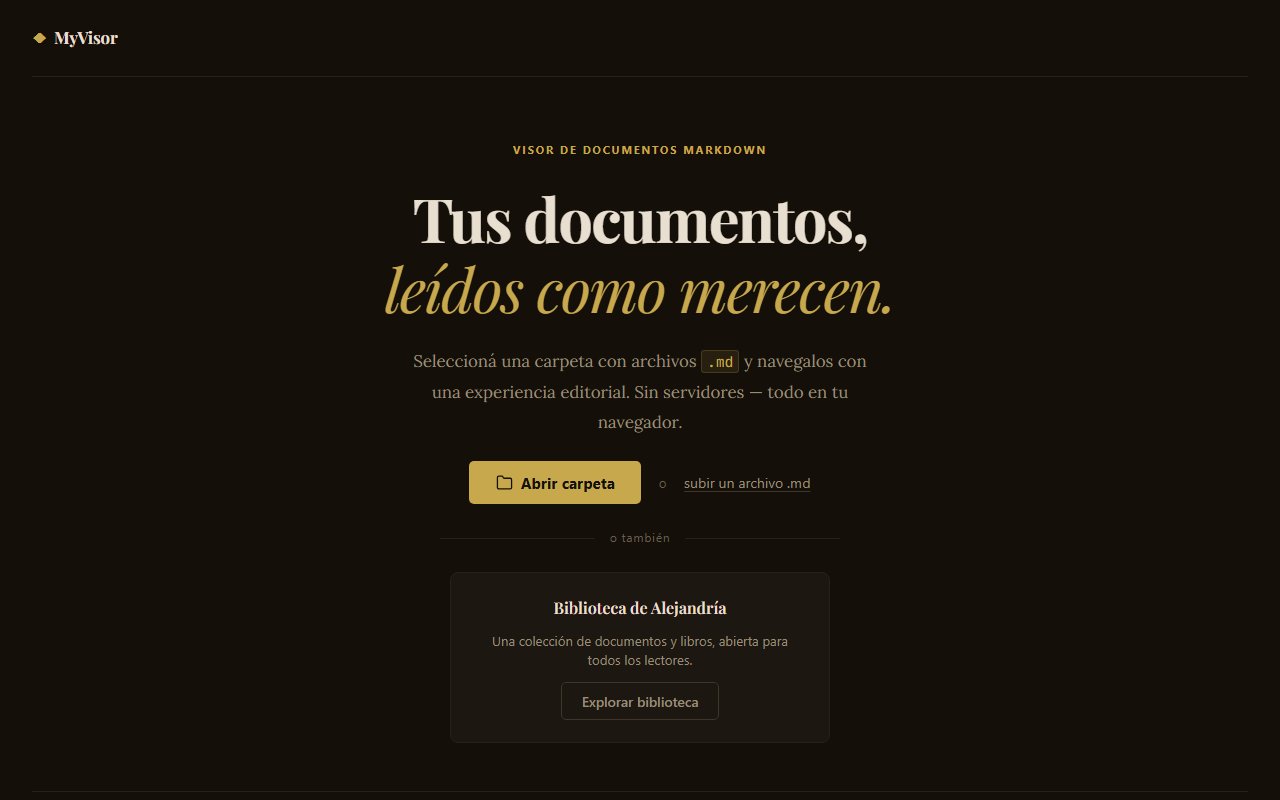
The starting point of the challenge
Digging beneath the surface: What did I investigate?
I reviewed alternatives like Obsidian, Typora, Notion, VitePress, Docusaurus, and EPUB readers. I observed that reading was always a secondary function behind the text editor. Almost all solutions stored data on external servers or required telemetry. And the visual design of Markdown readers was extremely generic: flat white backgrounds, standard fonts, and rigid layouts. I understood the problem wasn't Markdown itself, but the reading experience. I wanted to build something that treated text with the visual respect of an editorial publication.
"When the product exists to consume content, design ceases to be decoration and becomes pure functionality. I decided to design a solution based on three non-negotiable principles: absolute privacy (files never leave the browser), ergonomic extended reading (controlled typography, rhythm, contrast, and line width), and radical simplicity (zero backend, zero accounts, instant loading). The experience didn't need features. It needed atmosphere and focus."
Understanding this pillar completely transformed the tactical direction of the project, allowing unnecessary noise to be filtered out and focusing on strict value.
Tradeoff Analysis: options on the table
Building custom software requires honestly evaluating scenarios. No architecture is perfect — every decision has a price:
Obsidian plugin
Great ecosystem, but the interface is focused on editing and has telemetry. Reading still felt like a secondary function.
Custom Typora theme
Good reading experience, but it is paid and doesn't allow opening full local folders for smooth navigation between documents.
Custom web app with Vanilla JS
Absolute design control. 100% verifiable privacy. Experience designed exclusively for reading. No external dependencies.
The Decision: The path chosen
WHAT ACTUALLY WORKED
The public library achieved exactly what I was looking for: I upload my programming notes, access them from my phone or computer, and read them without friction. Performance is instant since there's no framework runtime or hydration to load. The progress bar, simple but effective, improved the long-form reading experience. And the typographic design with serif fonts and wide margins managed to recreate the physical sensation of reading a book, making long reading sessions pleasant on screen.
LIMITATIONS & TRADE-OFFS
The File System Access API only works in Chromium-based browsers (Chrome, Edge, Opera, Brave). For Firefox and Safari I added a single-file fallback, but they can't open full folders. Being pure JS without a framework, there's no deep routing, remote persistence, or static typing. The absence of TypeScript was a deliberate decision to keep the code minimal, but it sacrifices robustness. The scope was limited exclusively to reading: no editing, no search within documents, no synchronization. And the public library requires manually regenerating the index every time I add or modify documents.
FROM GONZALO'S PERSONAL LOGBOOK: WHAT WOULD I DO DIFFERENTLY TODAY?
"I would migrate the code to TypeScript to gain robustness without sacrificing the minimal output. I would optimize Highlight.js to load only the languages each document uses, reducing bundle size. And I would add a focus mode that hides all browser chrome for long reading sessions."
Retrospective note after launch